V-Ray Integration
While psd-manager supports many renderers, it also has some V-Ray specific additions.
V-Ray Framebuffer Support:

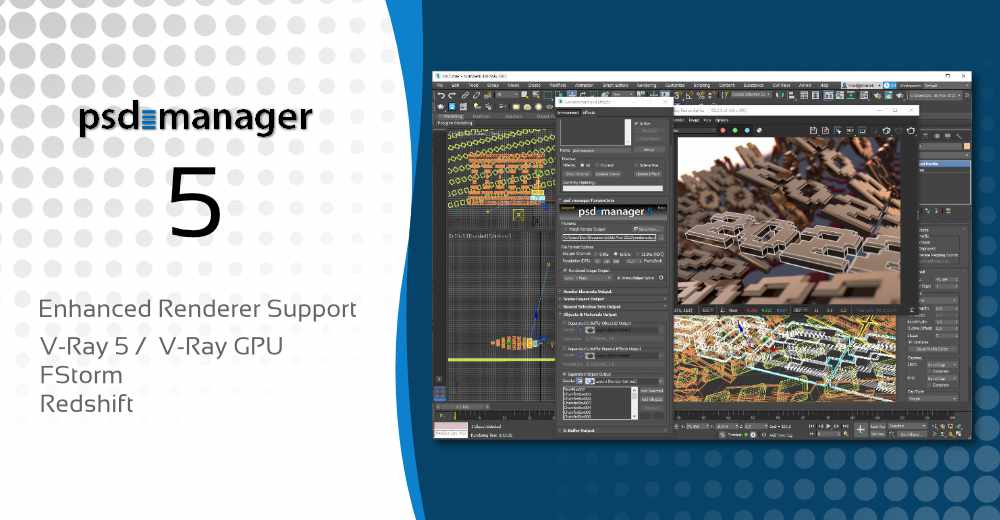
psd-manager can directly access the V-Ray framebuffer. All psd-manager features are supported in combination with the V-Ray framebuffer, including render elements export, mask generation for objects and materials and 8/16/32-bit HDR PSD export. V-Ray color corrections may optionally be applied to the PSD file. psd-manager also makes it possible to output V-Ray render elements when using the 3ds Max Batch Render tool together with the V-Ray framebuffer.
V-Ray MultiMatte – Automatic Splitting & Naming

Show complete 3ds Max + Photoshop screenshot
For users relying on MultiMatte elements (besides psd-managers own built-in selection mask generation capabilities) psd-manager provides some automatism. These make V-Ray MultiMatte render elements much more convenient to work with. MultiMatte elements can automatically be split into multiple PSD selections or layers automatically. This avoids the hassle of having to select a specific RGB channel in Photoshop each time. PSD selections/layers are also automatically named based on the object-IDs or material-IDs they are based on – thus making them easier to find.
V-Ray Lens Effects Bloom & Glare export as PSD layers:
The V-Ray Lens Effects Bloom & Glare can be saved as layers to the PSD file. psd-manager automatically places them at the correct position into the PSD file. Saving V-Ray framebuffer channels generated by 3rd party V-Ray plug-ins is also supported.
|